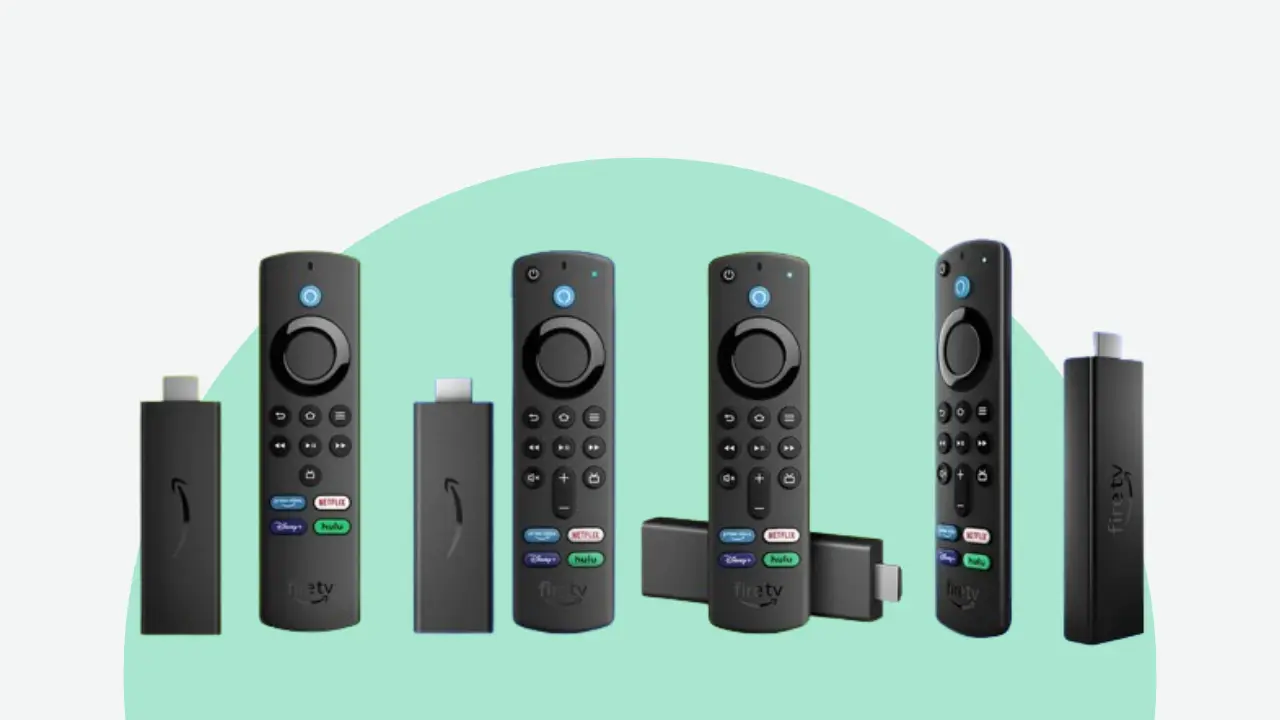
Setting up IPTV on an Amazon Firestick in 2026 is easier than ever — but only if you follow the right steps in the right order. This guide walks you through everything from enabling developer options to configuring your M3U playlist and optimising your Firestick for buffer-free 4K streaming.
Whether you're a complete beginner or switching from another IPTV provider, this is the only guide you'll need. We'll cover the two best IPTV apps for Firestick in 2026 — TiviMate and IPTV Smarters Pro — and show you exactly how to get XtremeIPTV HD working on your device in under 10 minutes.
What you'll need: An Amazon Firestick (any generation), your XtremeIPTV HD M3U URL or Xtream Codes credentials (received via email after purchase), and a Wi-Fi or Ethernet connection of at least 15 Mbps.
Step 1 — Enable Apps from Unknown Sources
Amazon restricts Firestick to apps from the official store by default. Before you can install TiviMate or IPTV Smarters, you need to allow third-party applications. This is safe and completely reversible.
Open Settings
From the Firestick home screen, navigate to the top menu and select Settings (the gear icon on the far right).
Go to My Fire TV
Scroll right and select My Fire TV (on older models this may appear as Device).
Open Developer Options
Select Developer Options. If you don't see it, click your Fire TV serial number 7 times to unlock developer mode.
Enable Apps from Unknown Sources
Toggle Apps from Unknown Sources to ON. Press the accept button when prompted. You only need to do this once.
Step 2 — Install the Downloader App
The Downloader app is your gateway to installing any APK on Firestick. It's available directly in the Amazon App Store — no sideloading required.
- From the Firestick home screen, press the Search icon (magnifying glass)
- Type "Downloader" and select the app by AFTVnews
- Download and install it — it's free and takes under 30 seconds
- Open Downloader and grant it storage permissions when asked
Step 3 — Install TiviMate (Recommended)
TiviMate is widely considered the best IPTV player for Firestick in 2026. It supports M3U playlists and Xtream Codes, includes a full 7-day EPG guide, catch-up TV, multi-screen viewing, and parental controls. The free version is fully functional; TiviMate Premium (approximately £4.50/year) adds recording and multi-screen features.
Open Downloader
Launch Downloader from your apps. In the URL bar, enter the TiviMate APK download URL provided in your XtremeIPTV HD welcome email, or visit tivimate.com on your phone to find the latest download link.
Download and Install
The APK will download automatically. When prompted, tap Install. Once installed, tap Open to launch TiviMate immediately.
Add Your IPTV Playlist
TiviMate will open a setup wizard. Select Add Playlist, then choose either M3U URL (paste your XtremeIPTV HD M3U link) or Xtream Codes (enter server URL, username and password from your welcome email).
Configure EPG
In TiviMate settings, go to Playlists → EPG Sources and add your EPG URL. XtremeIPTV HD provides an EPG URL in your welcome email. Enable Catch-up if you want to replay programmes up to 7 days back.
Option B — Install IPTV Smarters Pro
IPTV Smarters Pro is a popular alternative, especially for beginners who prefer a more Netflix-style interface. It supports M3U playlists, Xtream Codes, EPG, and VOD libraries. Available on the Amazon App Store — search for "IPTV Smarters Pro" and install directly, no Downloader needed.
Once installed, open the app, select Add User, then choose either Load Your Playlist or File / URL (for M3U) or Login with Xtream Codes API for credentials-based setup. Enter your XtremeIPTV HD details and tap Add User — your channels will load within 30 seconds.
Pro tip: For the best performance on Firestick, connect via 5GHz Wi-Fi or use a USB-to-Ethernet adapter. The Firestick 4K Max (2026 model) supports Wi-Fi 6E for significantly improved streaming stability compared to older models.
Step 4 — Optimise Your Firestick for 4K IPTV
Even with a fast internet connection, an unoptimised Firestick can still buffer or freeze. These tweaks make a significant difference in 2026, particularly for 4K streams:
- Clear TiviMate cache: Settings → Applications → TiviMate → Clear Cache (do this monthly)
- Disable data monitoring: Settings → Preferences → Privacy Settings → turn off all data collection options to free up RAM
- Force-stop background apps: Hold the home button → select App Switcher → clear all unused apps
- Increase buffer size: In TiviMate, go to Settings → Playback → Buffer Size — set to 5 seconds minimum for 4K streams
- Set display to 4K: Settings → Display & Sounds → Display → Video Resolution → set to 2160p (4K)
- Enable HDR (if supported): Settings → Display & Sounds → Display → turn on Dolby Vision / HDR10+
Troubleshooting Common Firestick IPTV Issues in 2026
Channels not loading or show an error?
Double-check your M3U URL or Xtream Codes credentials by pasting the M3U URL into a browser on your phone. If the playlist loads there but not in TiviMate, try uninstalling and reinstalling the app. Also confirm your XtremeIPTV HD subscription hasn't expired.
Buffering during live streams?
Test your internet speed using the Speedtest app on Firestick. You need a minimum of 25 Mbps for 4K streams. If speeds are fine but buffering persists, your ISP may be throttling streaming traffic — try connecting via a VPN (NordVPN and ExpressVPN both work well with Firestick).
TiviMate crashing or freezing?
This is almost always caused by insufficient Firestick RAM. Clear the cache, close all background apps, and if the problem persists, consider upgrading to a Firestick 4K Max which has 3GB RAM versus the standard 1.5GB.
Frequently Asked Questions
Which Firestick model is best for IPTV in 2026?
The Firestick 4K Max (2nd Generation, 2026) is the best choice for IPTV in 2026. It supports 4K, HDR10+, Dolby Vision, Wi-Fi 6E, and has 3GB of RAM — more than enough for smooth multi-stream IPTV. The standard Firestick 4K is also excellent. Avoid the basic Firestick Lite for 4K IPTV as it only supports 1080p output.
Is TiviMate free on Firestick?
TiviMate has a free version that is fully functional for basic IPTV use. The Premium version (approximately £4.50/year) adds multi-screen viewing, recording, parental controls, and automatic EPG updates. Most XtremeIPTV HD subscribers use TiviMate Premium due to the catch-up TV and recording features.
Do I need a VPN for IPTV on Firestick?
A VPN is not required for XtremeIPTV HD to function, but it is recommended if you live in a country where IPTV traffic is throttled by ISPs (common with BT, Sky, and Virgin Media in the UK). NordVPN and ExpressVPN both have dedicated Firestick apps and minimal impact on streaming speed.